
MD to DOCX (Offline)
An offline-friendly Chrome extension for live Markdown editing, DOCX import/export, document conversion, and AI-assisted academic writing workflows.
See it in action
Two short walkthroughs — one in Ukrainian, one in English.
Огляд українською
Швидкий тур інтерфейсом та основними сценаріями використання.
English walkthrough
A quick tour of the editor, conversion, and AI helpers.
Everything you need for document workflows
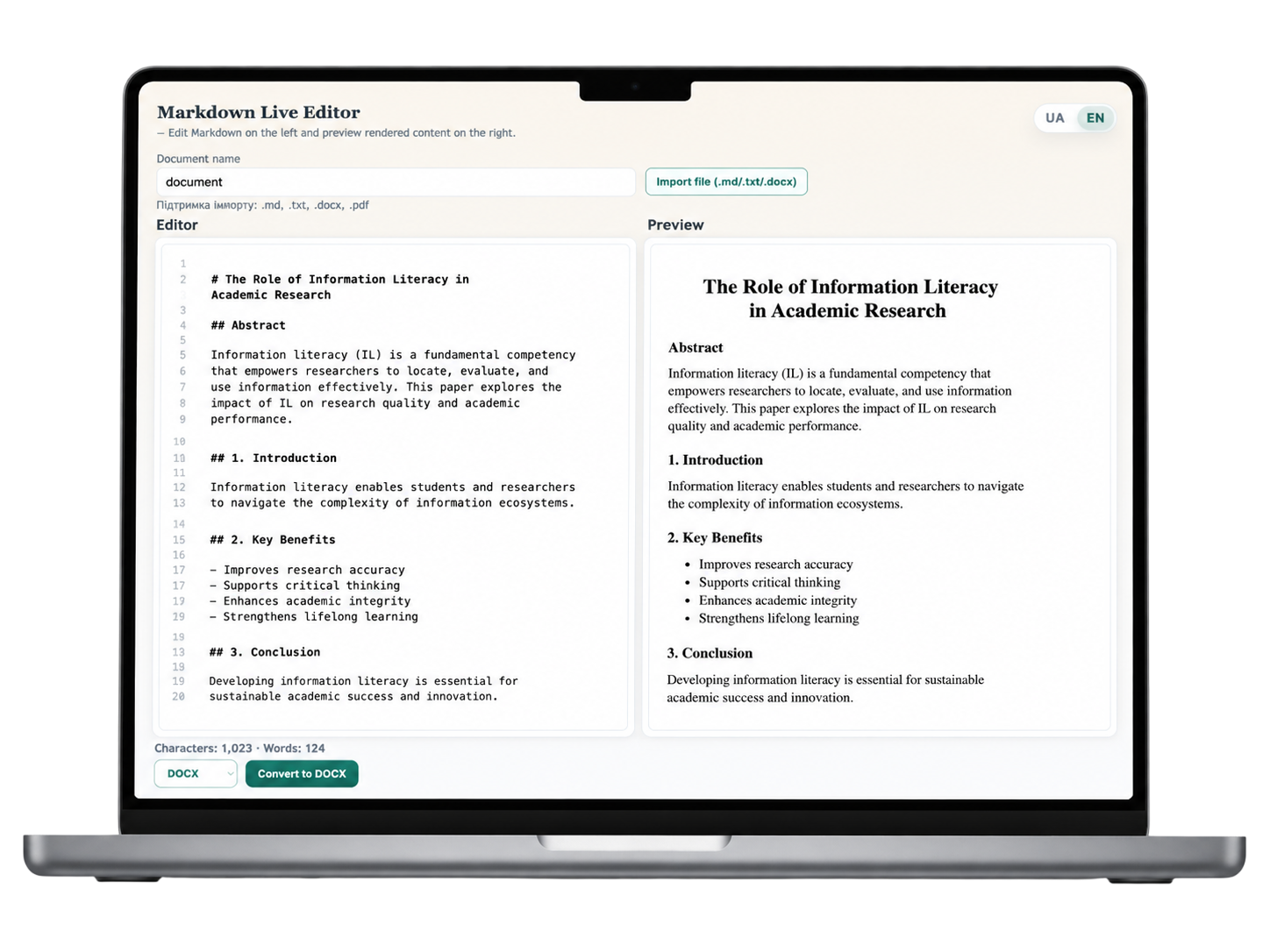
Live Editor + Preview
Write in Markdown on the left and instantly see the rendered, print-ready document on the right — fully synchronized, distraction-free, and ideal for long academic texts.
- Real-time syncEdits on the left appear instantly in the rendered preview.
- Fewer mistakesSpot structural and formatting issues before exporting.
- Confident reviewSee the final look of the document before producing DOCX.
Import & Convert to DOCX
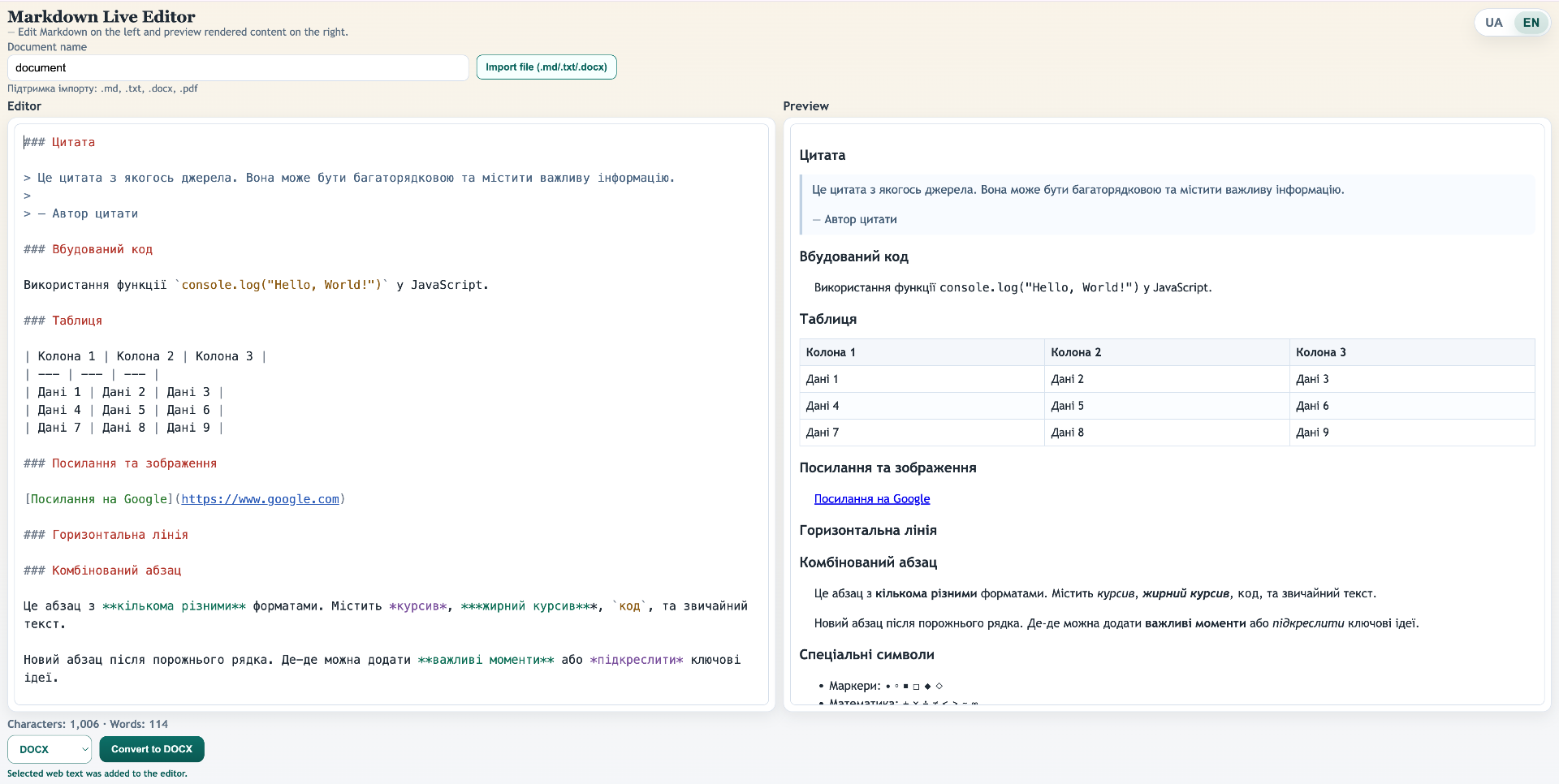
Import existing .md, .txt or .docx files in one click, then export the result as a clean Word (.docx) document ready to share or submit.
- One-click importSupports .md, .txt, .docx and .pdf source files.
- Export to WordThe “Convert to DOCX” button produces a clean .docx file.
- Clean outputDocument name and structure are preserved with no artifacts.

Clean Formatting Preservation
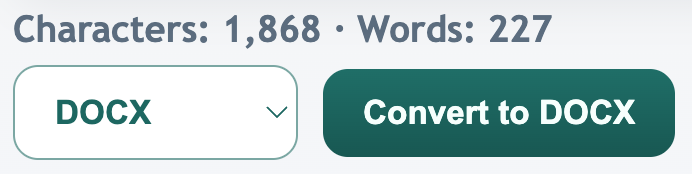
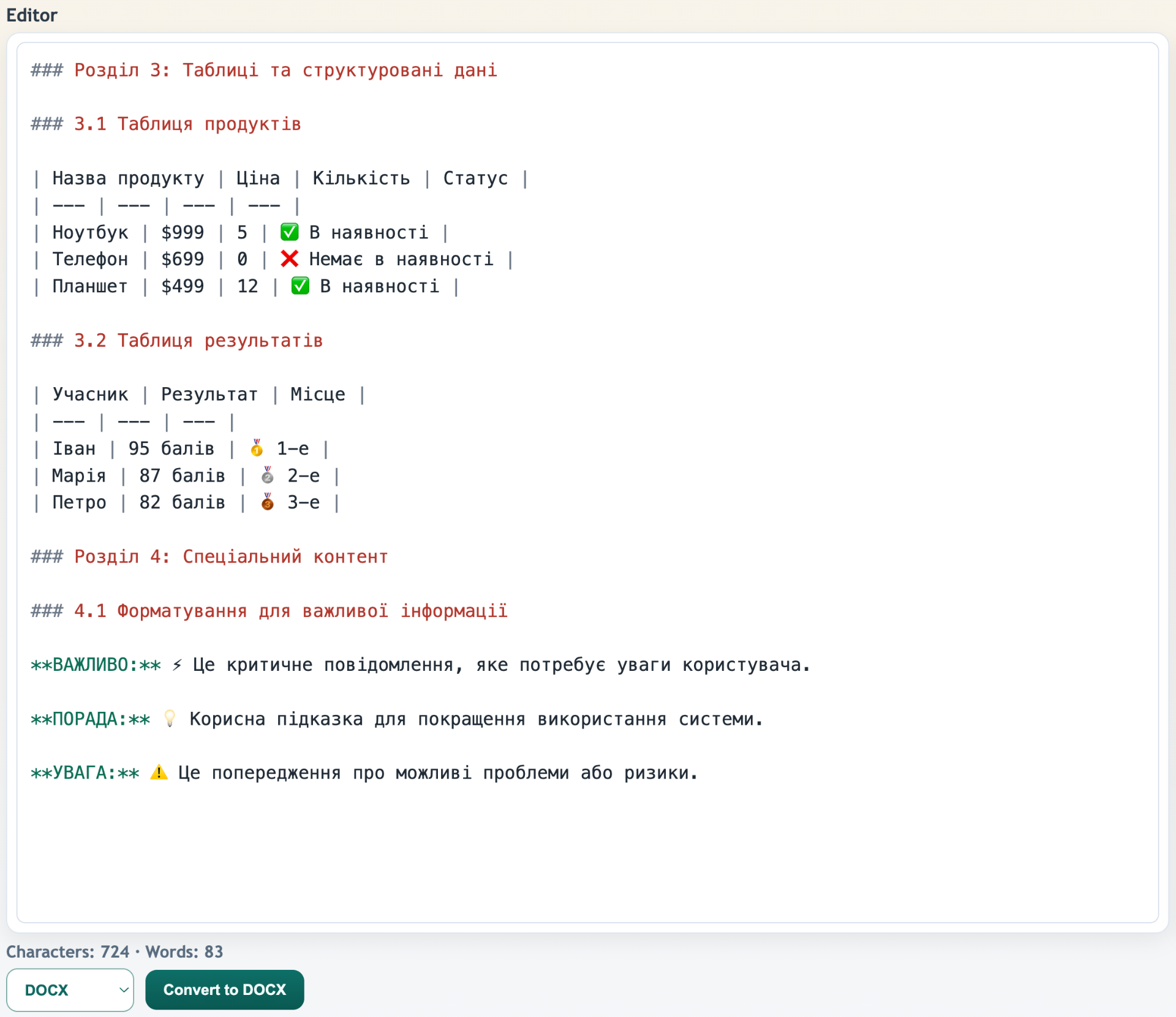
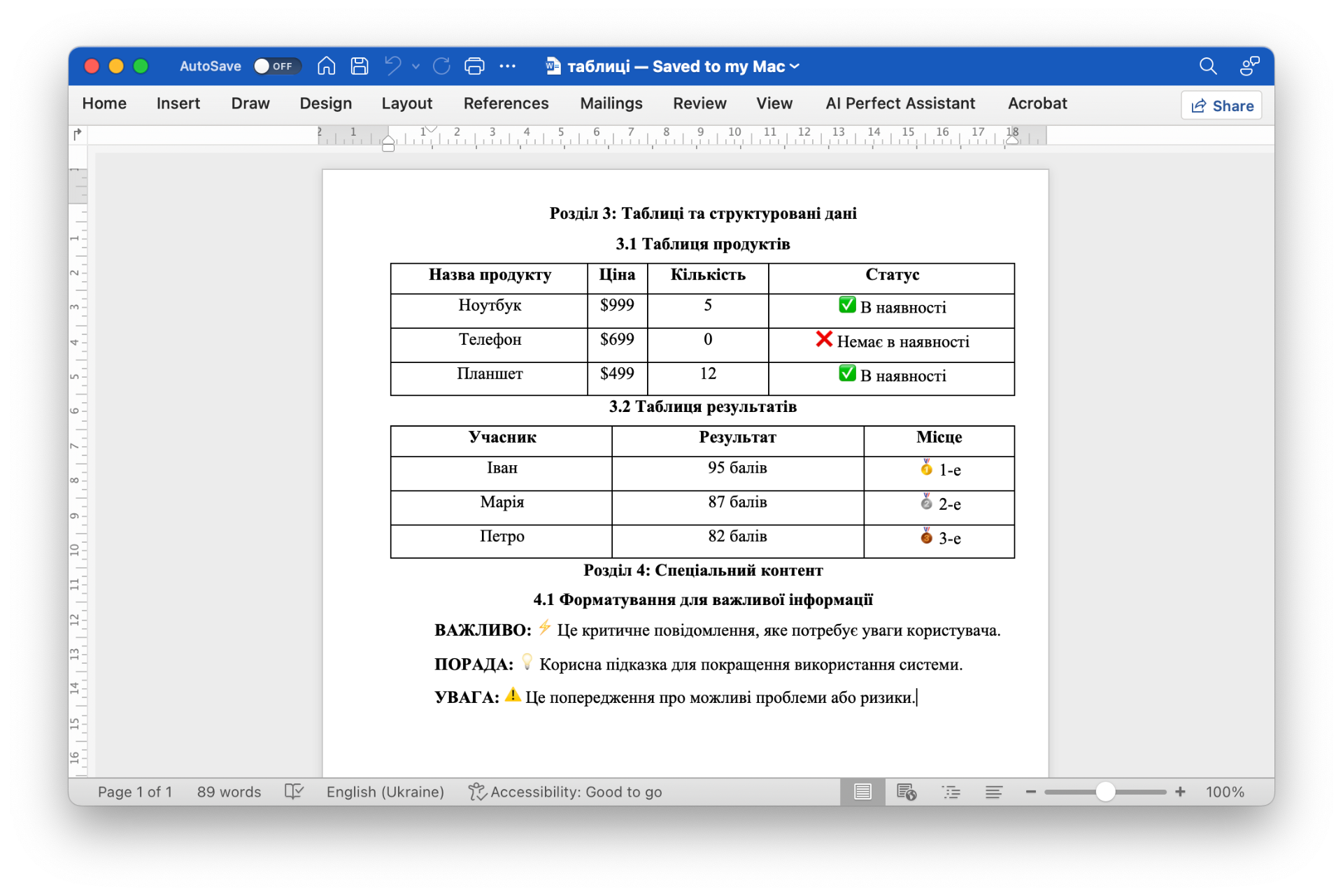
Headings, lists, tables, emoji, bold/italic emphasis and inline callouts are preserved during conversion — your Word output looks like the preview.
- Tables & structureComplex tables, headings and sections convert faithfully.
- Bold, italic, emojiEmphasis, highlights and emoji markers stay in place.
- Lists & quotesNumbered, bulleted lists and blockquotes work as expected.
AI-assisted Writing Tools
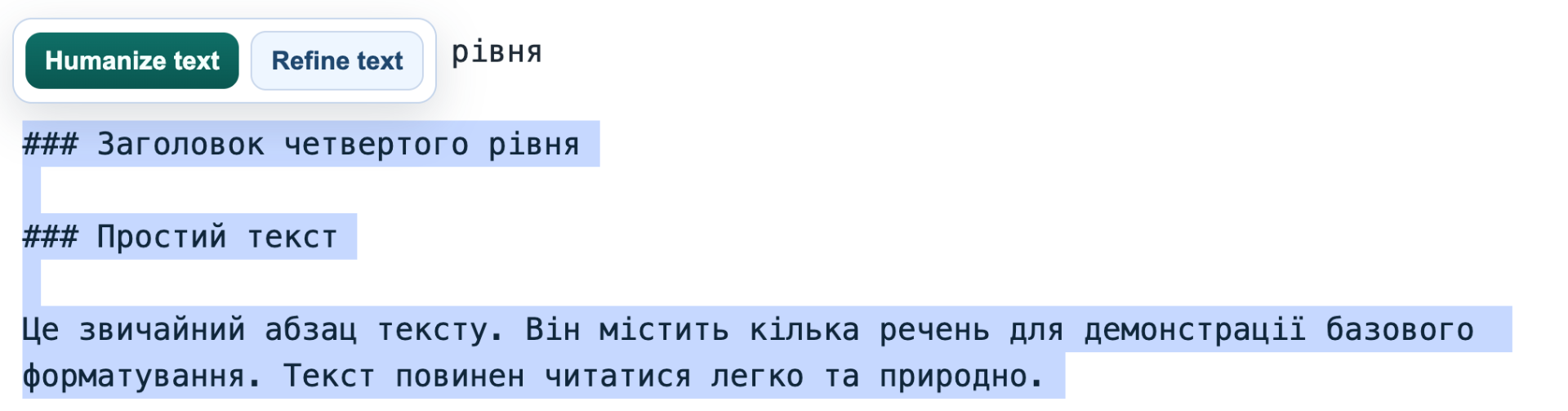
Humanize and refine selected text with one click. Built-in helpers tighten phrasing, smooth tone and keep your academic voice intact.
- Humanize TextMake the selected fragment sound more natural in one click.
- Refine TextTighten phrasing, grammar and tone without losing meaning.
- Voice preservedAI only edits the selection — the rest of the document is untouched.
MD Toolbox for Prompts & Chains
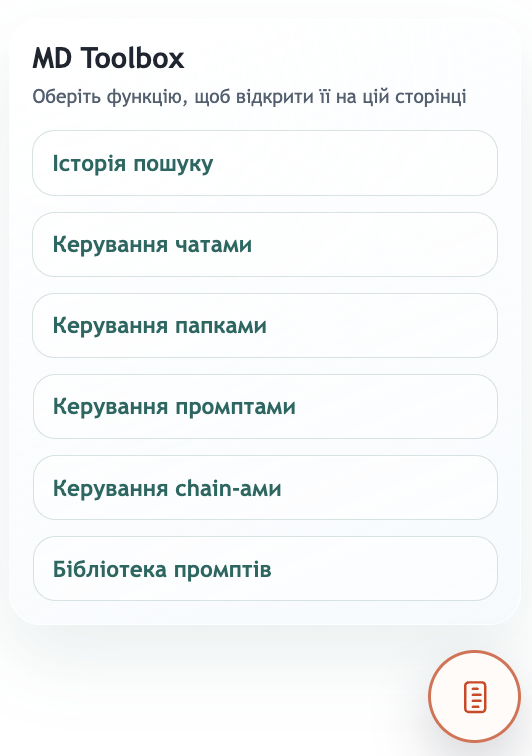
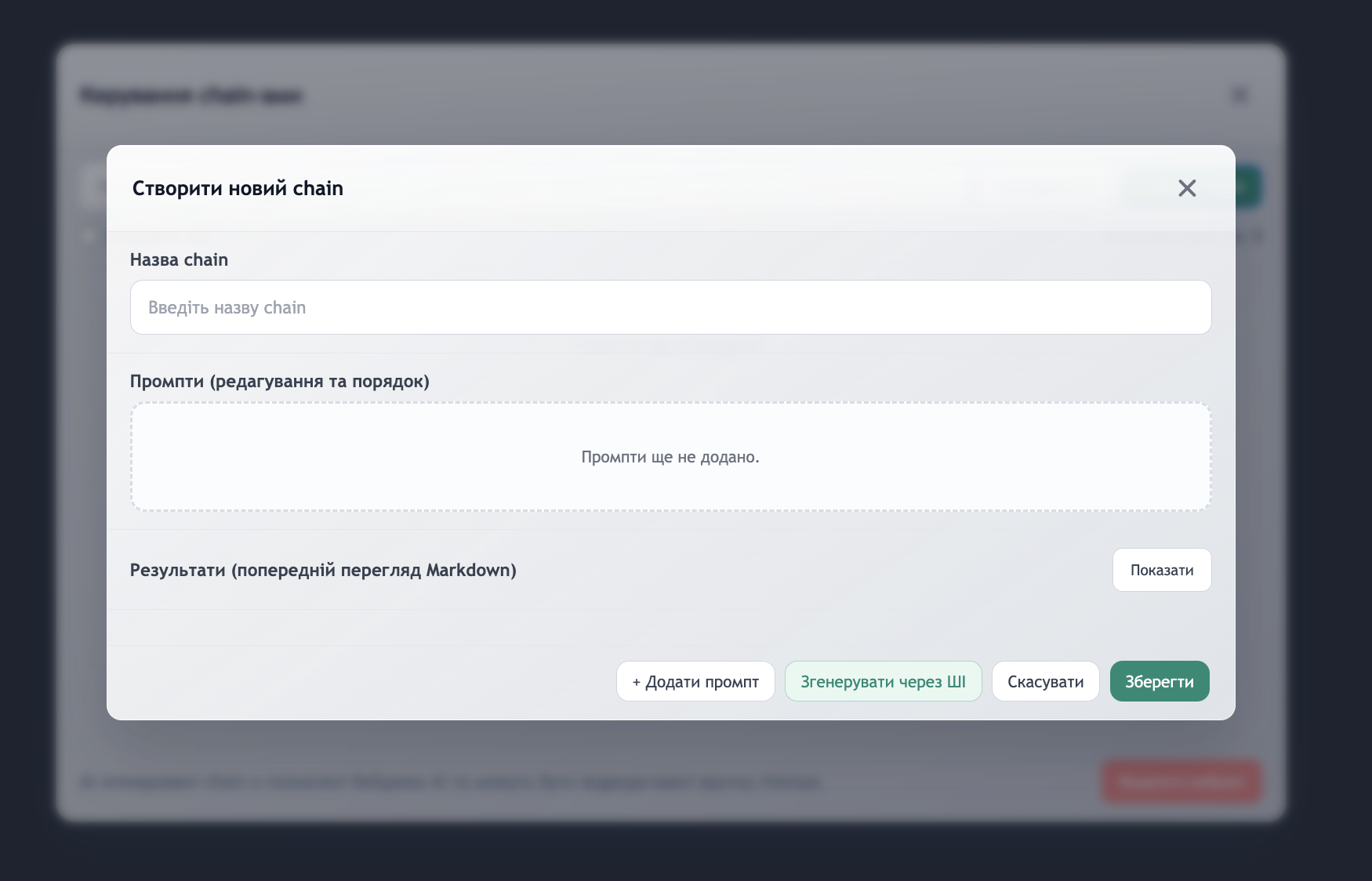
A dedicated toolbox to manage chats, folders, prompts and chain-of-prompts across any AI model you use — ChatGPT, Gemini, Claude, Perplexity and more.
- Prompt libraryStore your own prompts and inject them into chats instantly.
- Chain-of-promptsBuild and run prompt sequences — manually or generated by AI.
- Any AI modelWorks inside ChatGPT, Gemini, Claude, Perplexity and others.
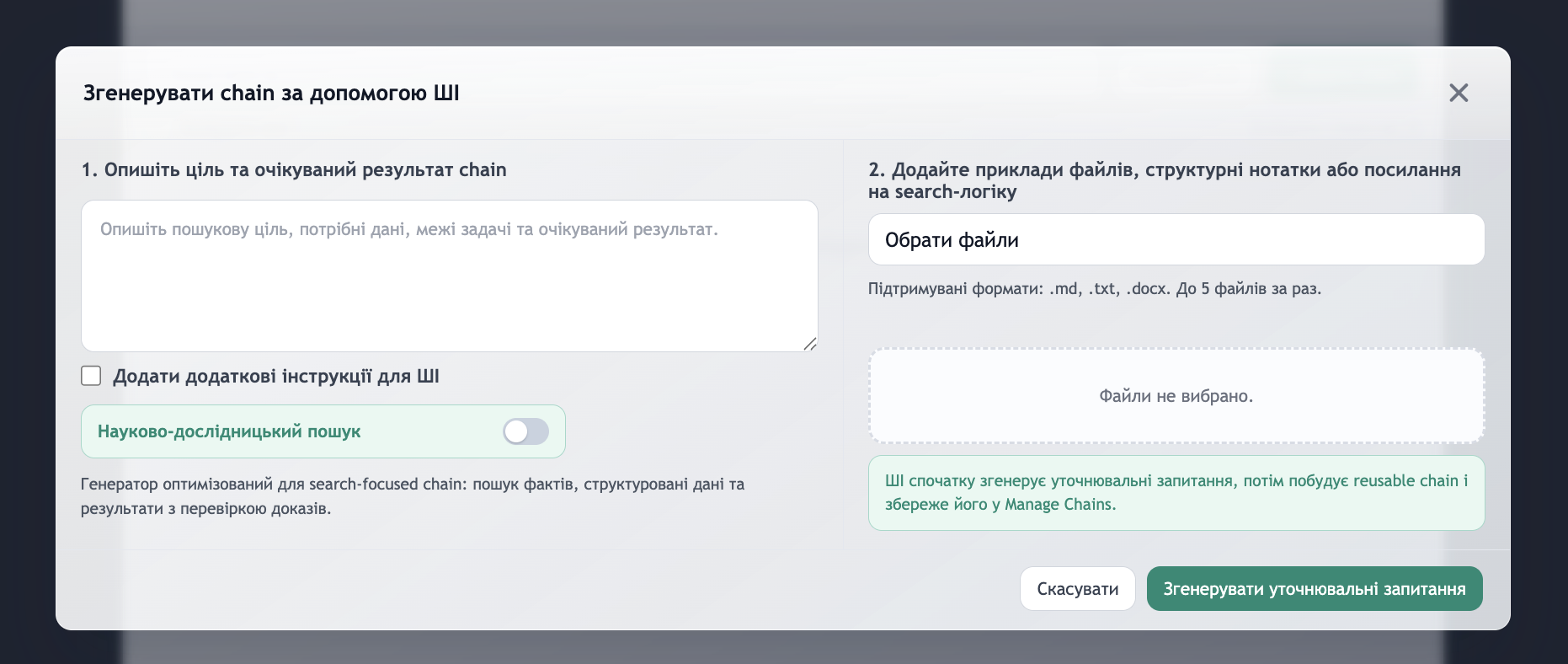
Capture text from any AI chat
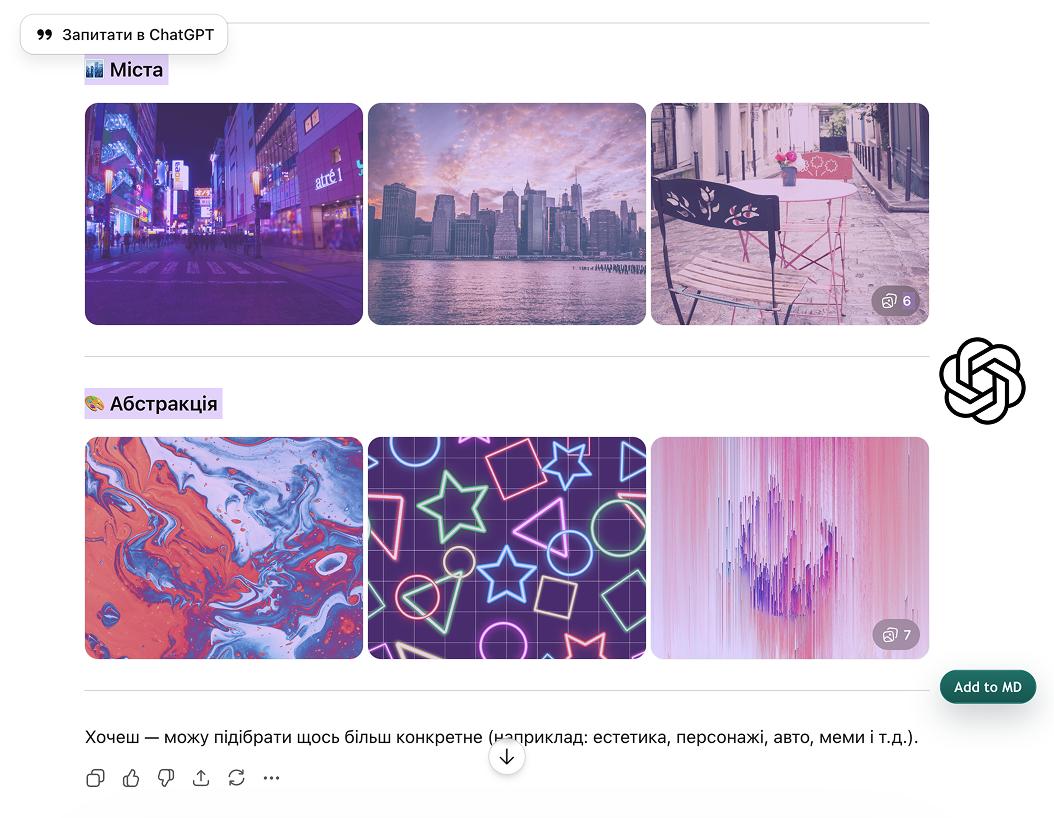
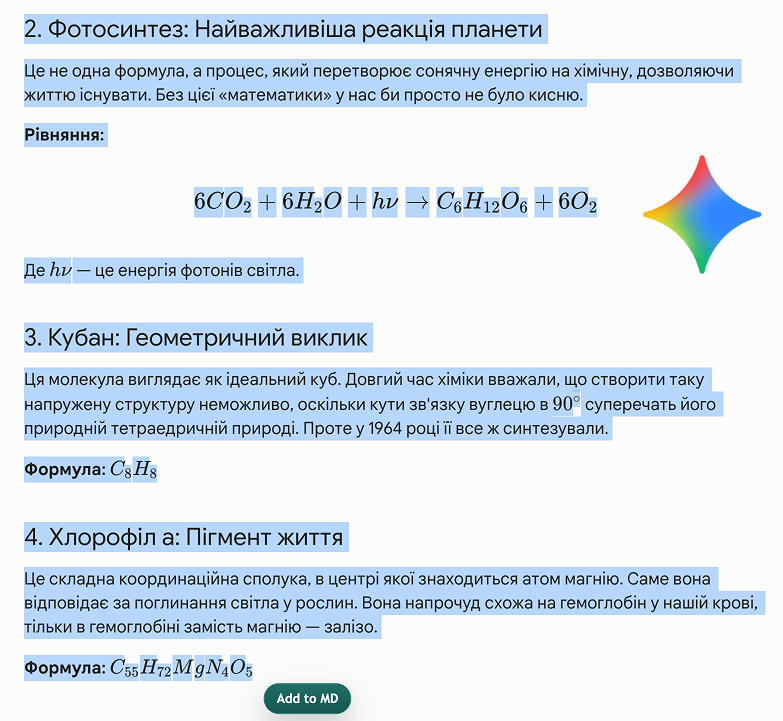
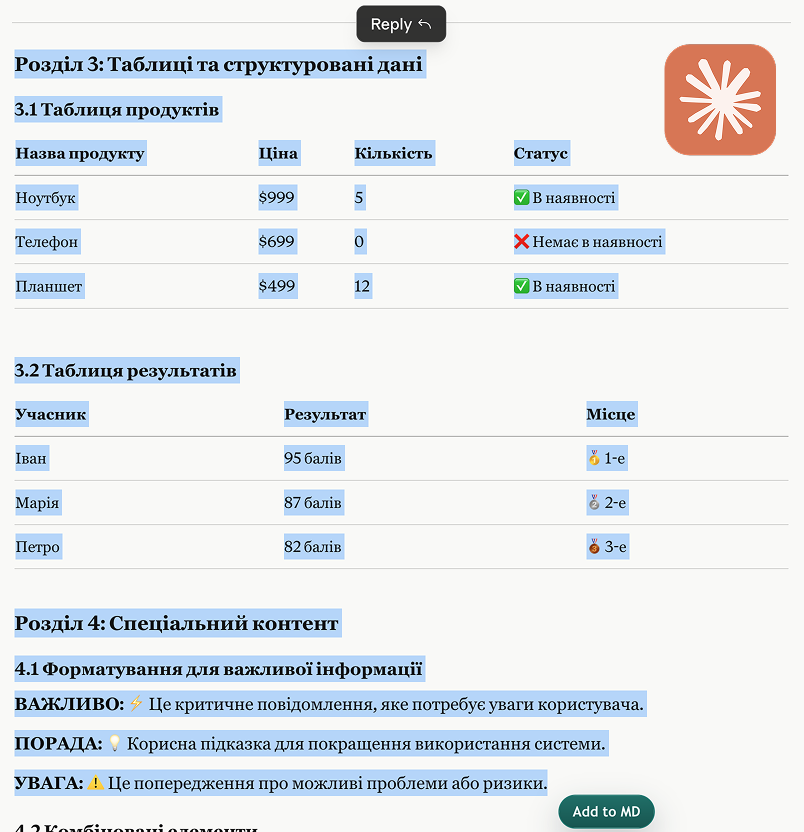
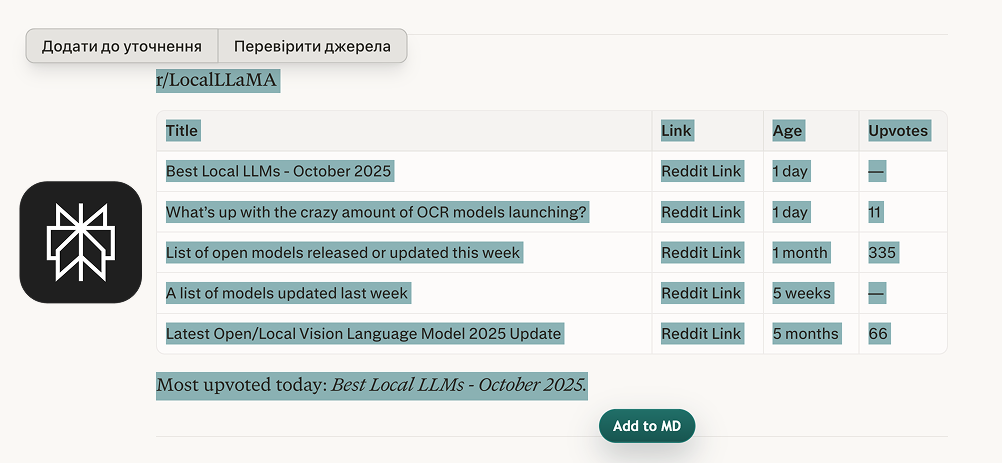
Select text directly in ChatGPT, Gemini, Claude, Grok or Perplexity and send it straight into the editor with one click — ready for refinement and DOCX export.
- Select right on the pageWorks inside tabs with ChatGPT, Gemini, Claude, Grok and Perplexity.
- “Add to MD” buttonOne click sends the highlighted fragment straight into your editor.
- 5 major AI servicesA seamless bridge between AI chats and your working document.

Markdown → Edit → Preview → Export to DOCX
What factors influence information literacy among undergraduate students?
Methodology
• Literature review
• Survey (n=256)
• Data analysis

What is planned next
Concrete next steps on the public roadmap.
Citation and reference tools
Built-in helpers for academic references, footnotes, and bibliography.
Template library
Ready-to-use academic, research, and report templates.
Expanded AI helpers
Stronger prompt chains for outlining, summarizing, and editing.
Available now in Chrome Web Store
Install the extension directly from Chrome Web Store.
- This is a public demo / presentation page.
- The extension is live and installable from the Chrome Web Store.
- Install it directly from the store today.